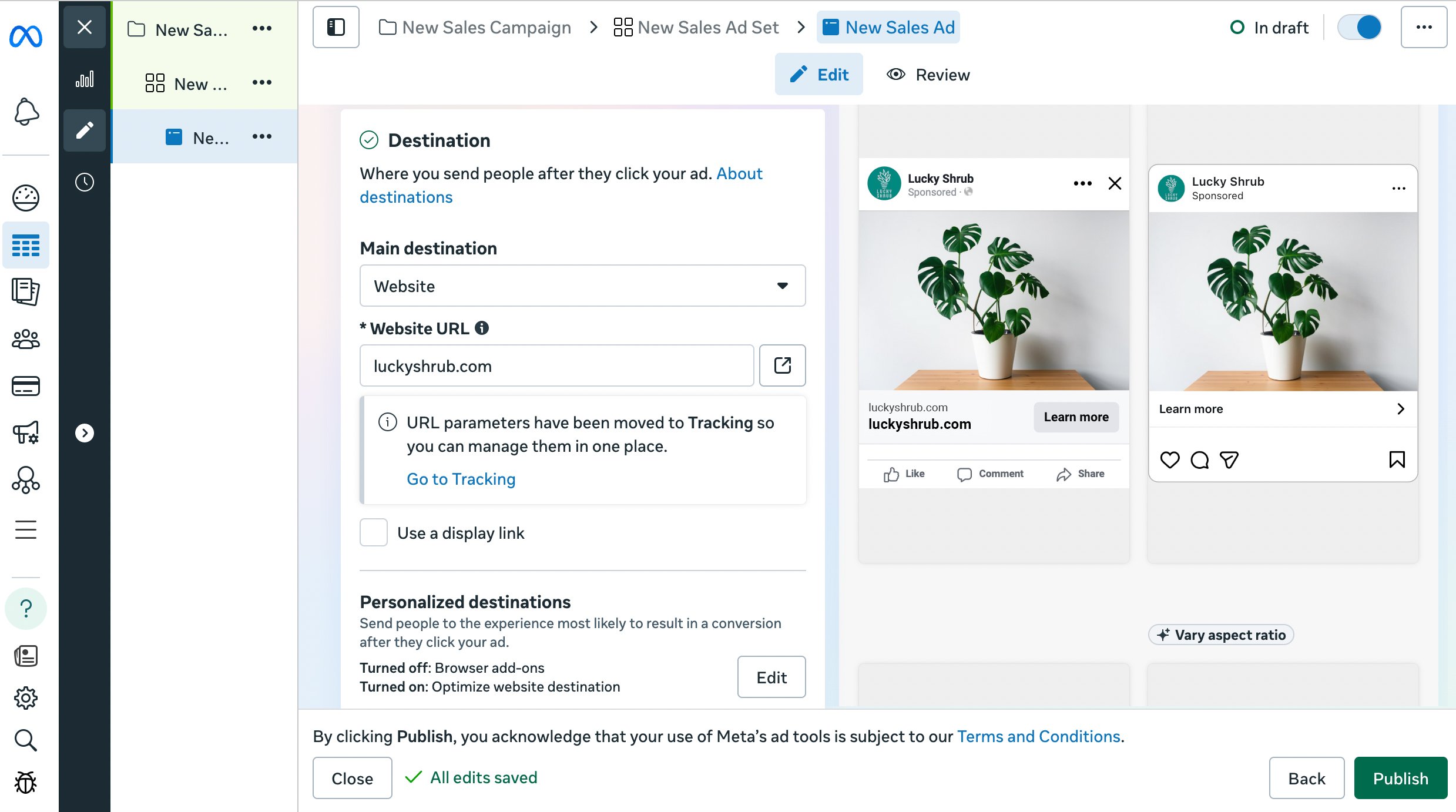
How to create ads that send people to your website from Ads Manager

Web conversion campaigns help you connect your new customers. You do not need to take a long time with chat messaging. Only go to your website and make an order! For create your Page365 website CLICK HERE or
How to create ads that send people to your website from Ads Manager
Step 1 :
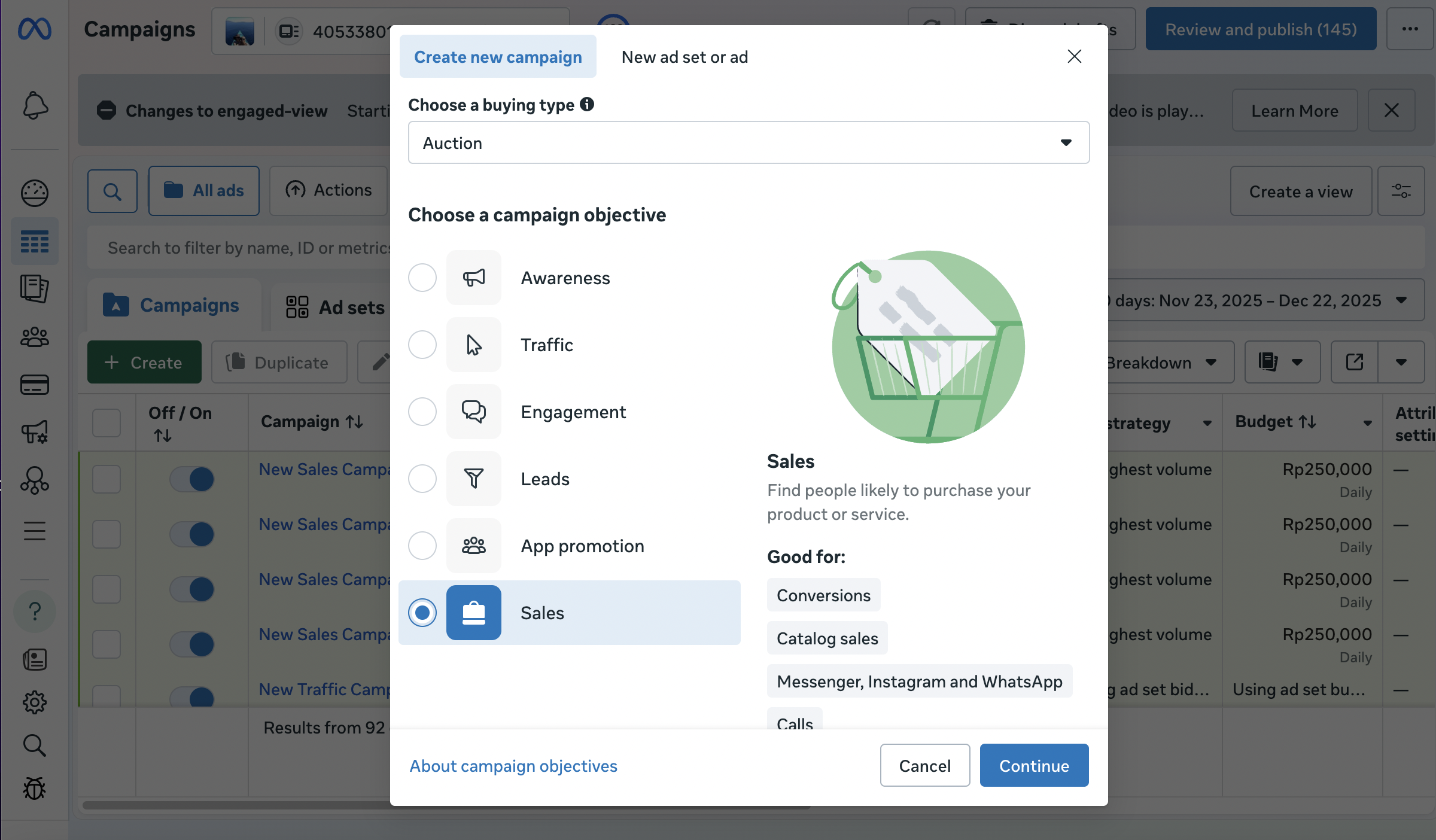
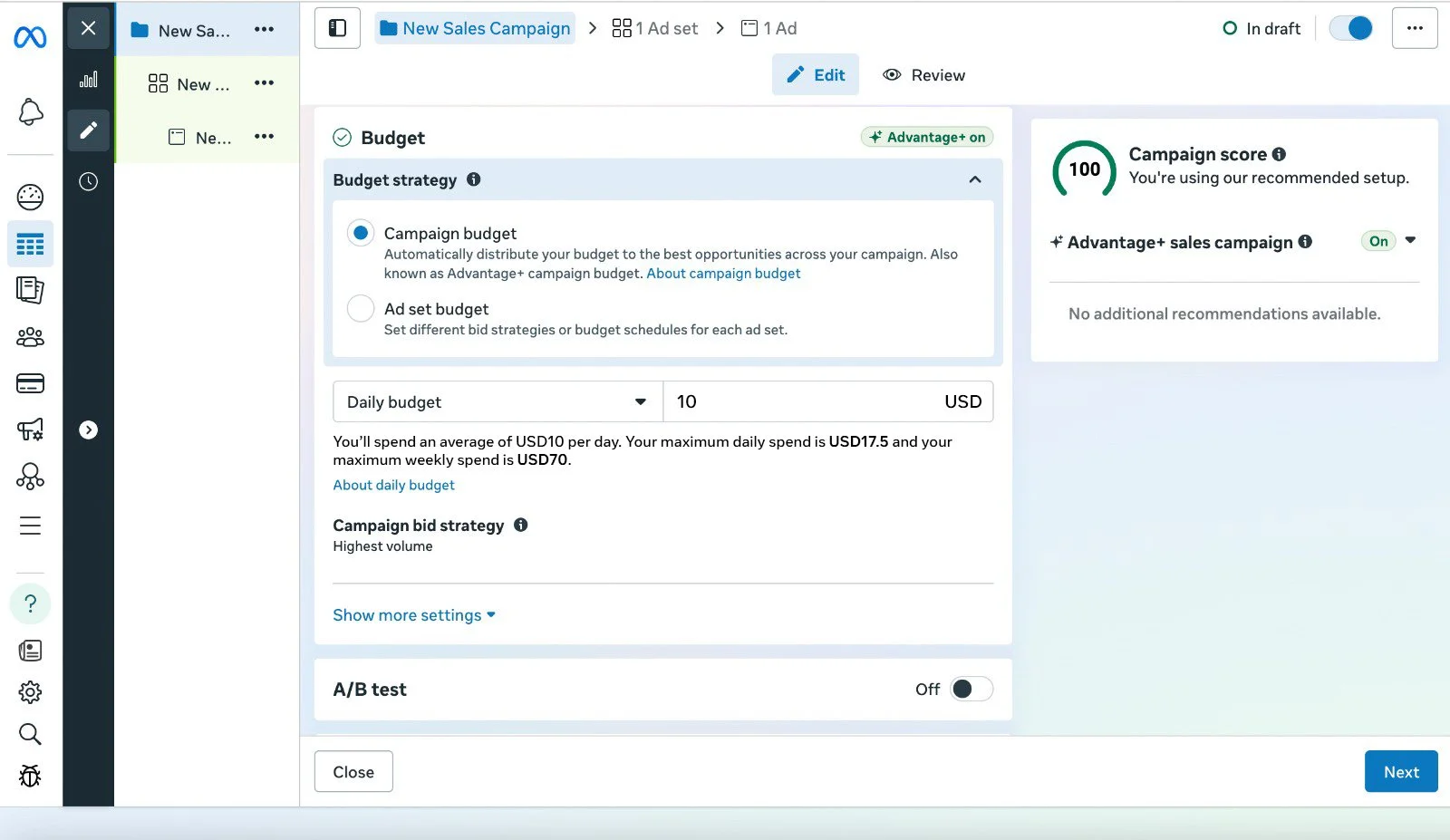
Go to Ads Manager and click “Create”, selecting “Sales” or “Traffic” as your campaign objective. Name your campaign and set your budget.
Step 2 :
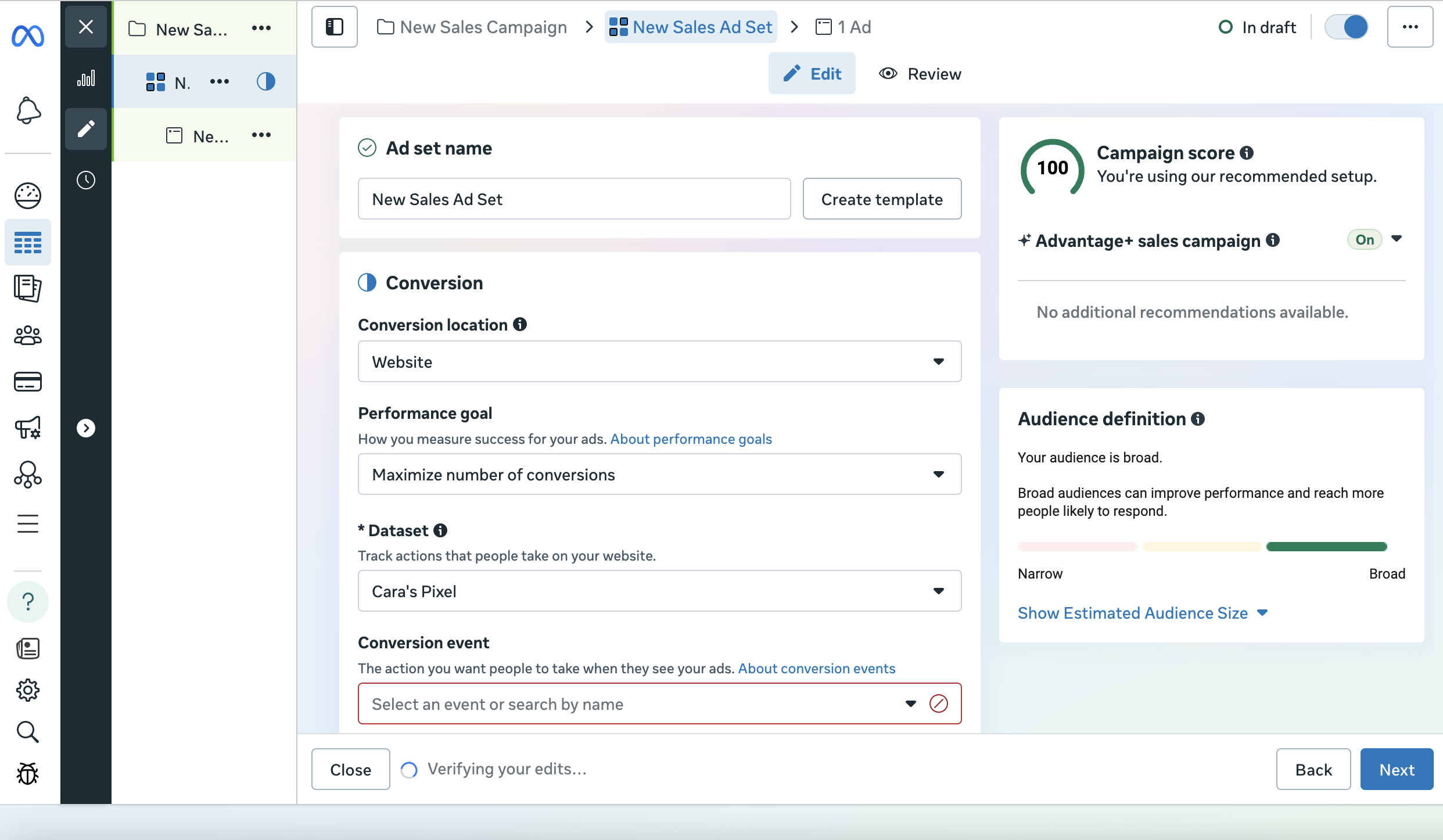
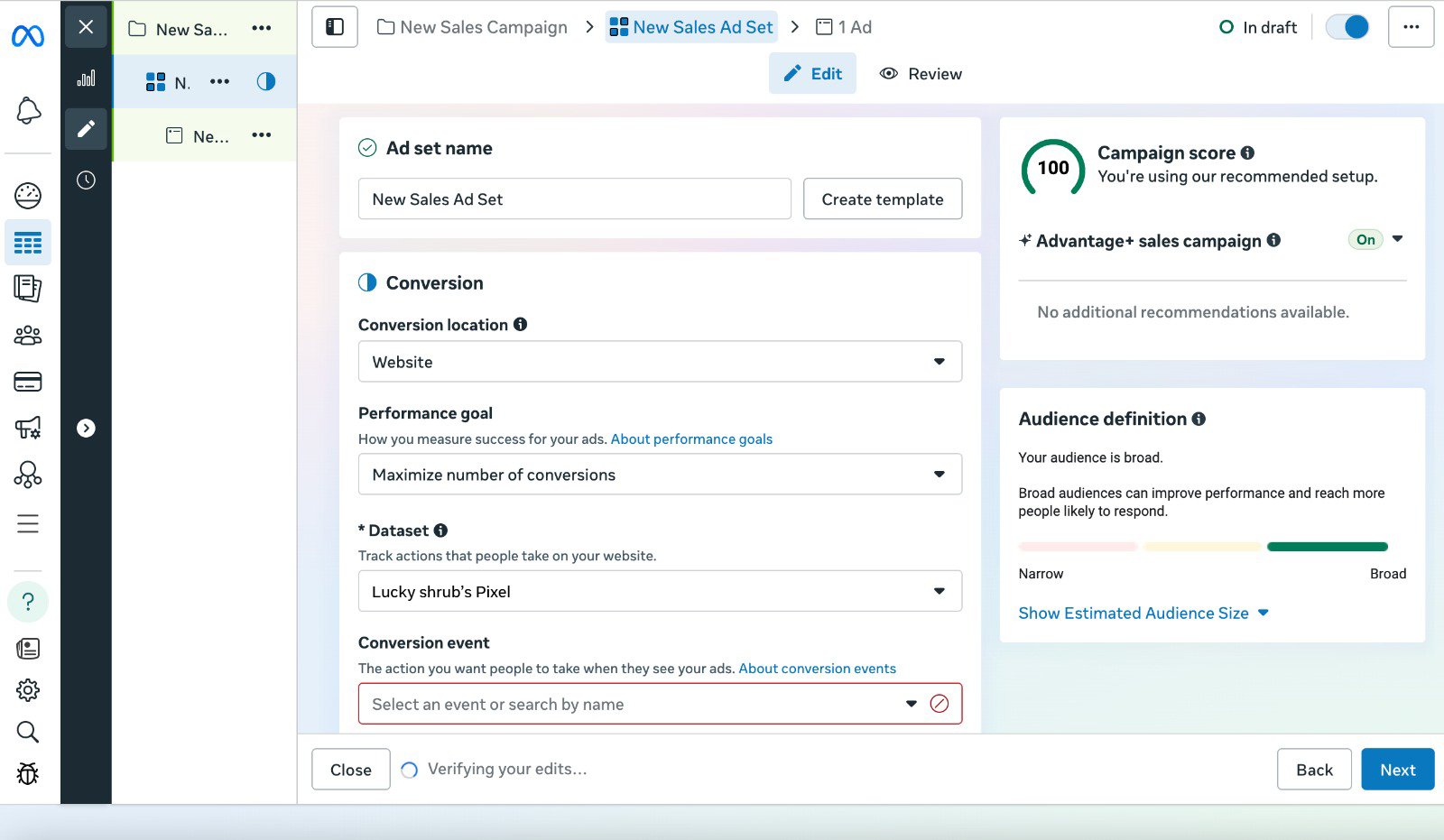
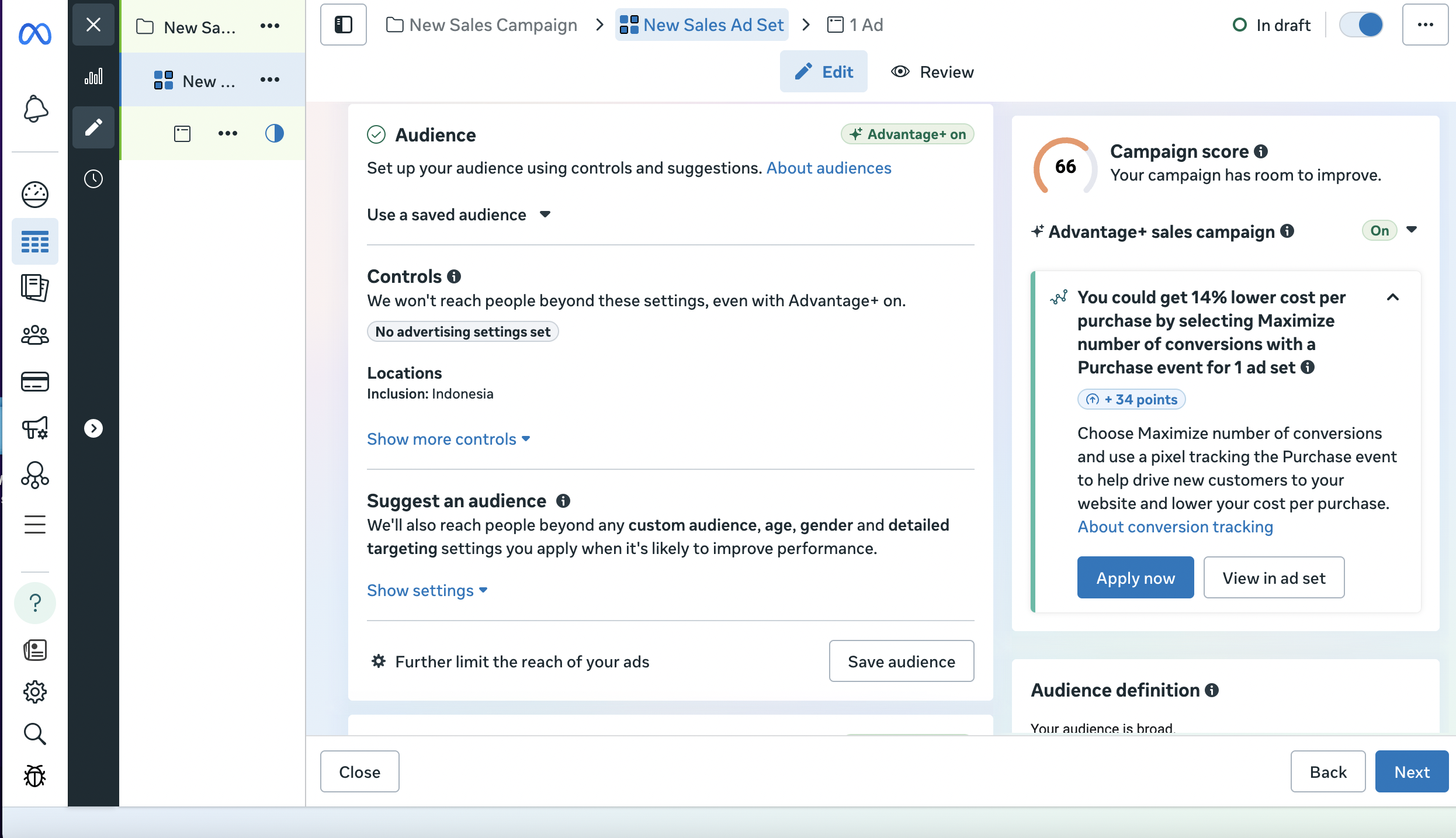
At the Ad Set level, choose “Website” as the conversion location, select an optimization goal like “Conversions” (requires Pixel) or “Link Clicks,” define your audience, and set placements to automatic or manual.
Step 3 :
At the Ad level, add your creative (image/video and copy), enter your website URL, choose a call to action button, then review and publish your campaign.